01/ 08
Auto-zoom that follows your mouse
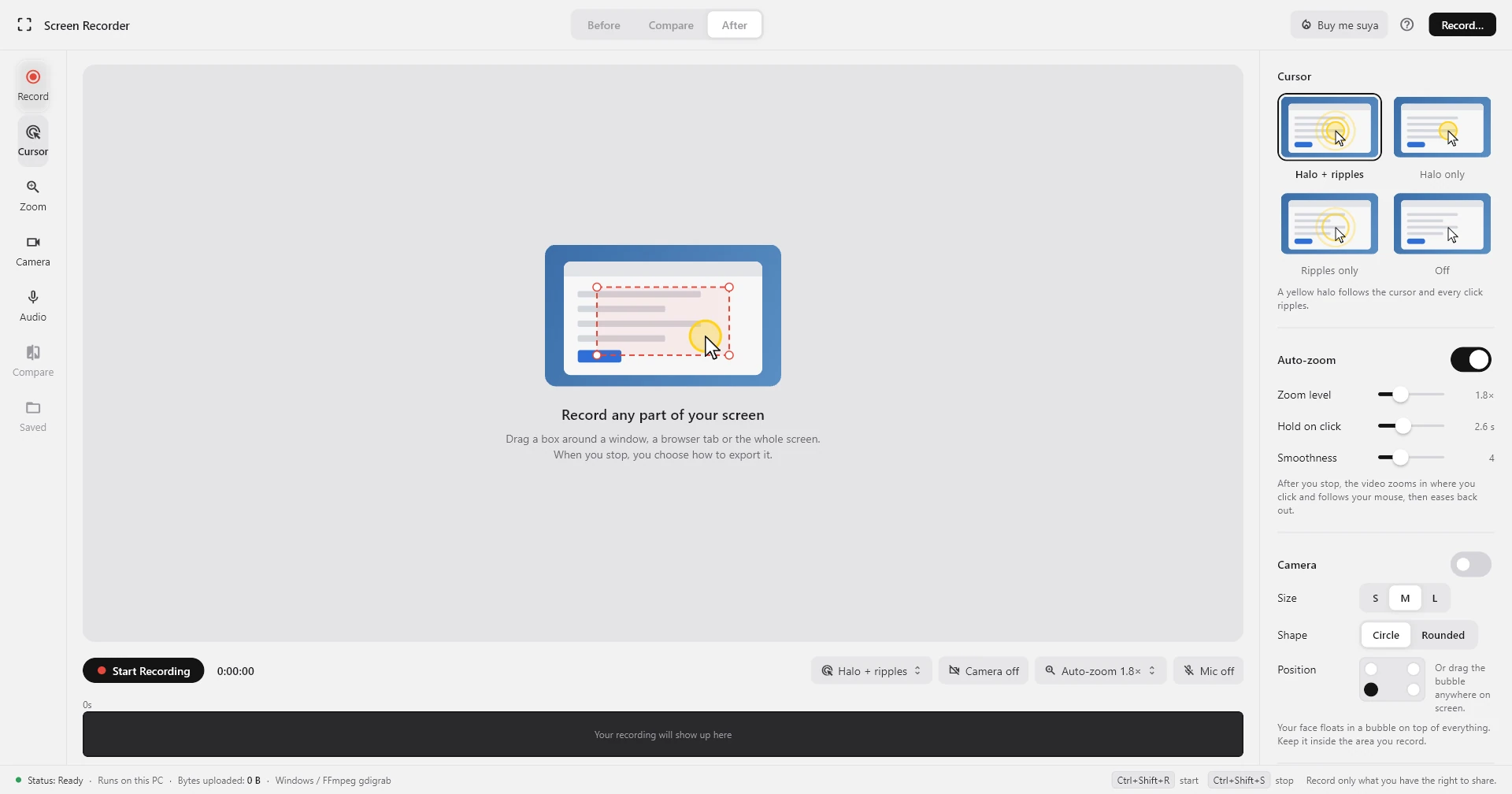
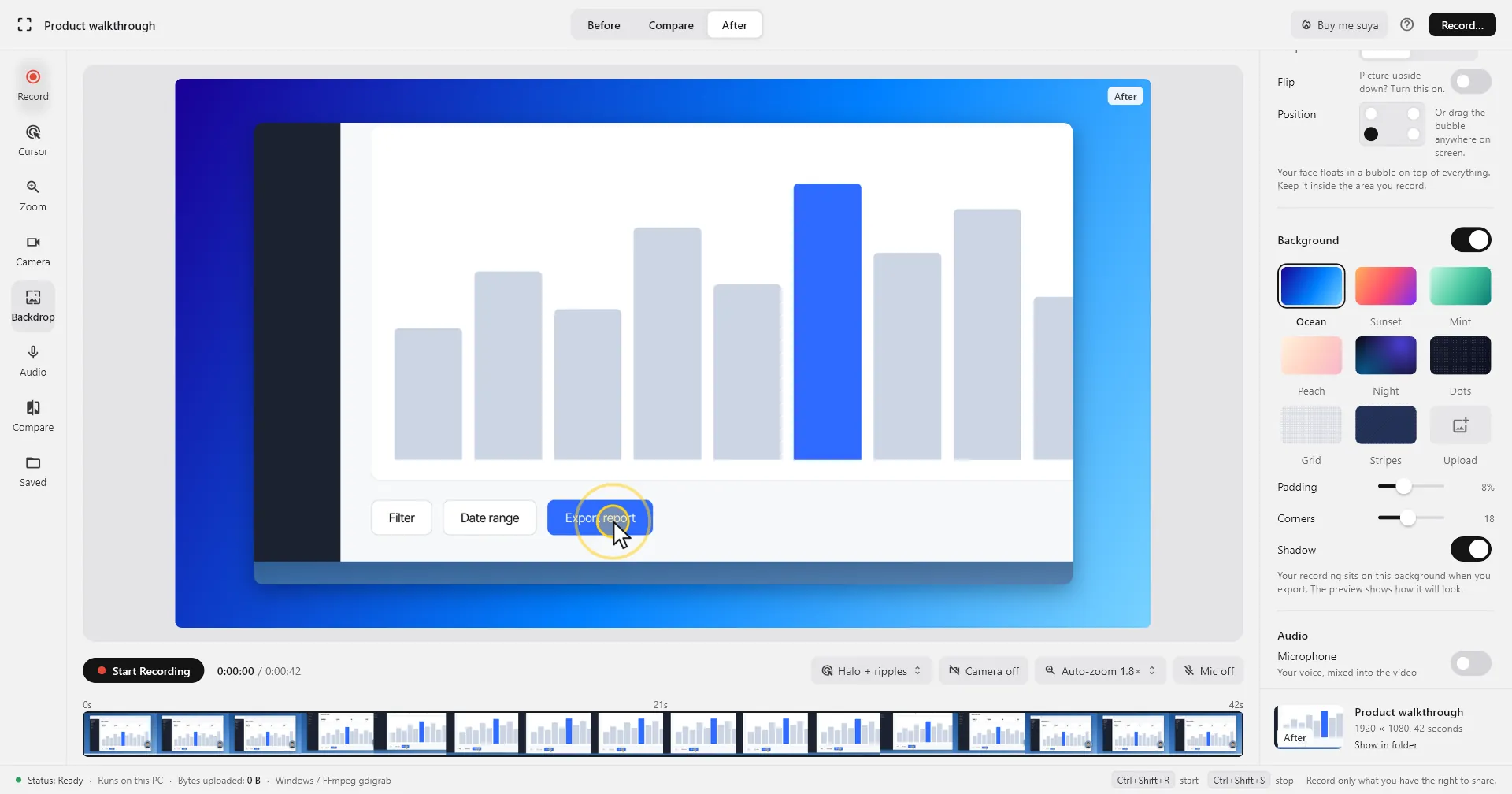
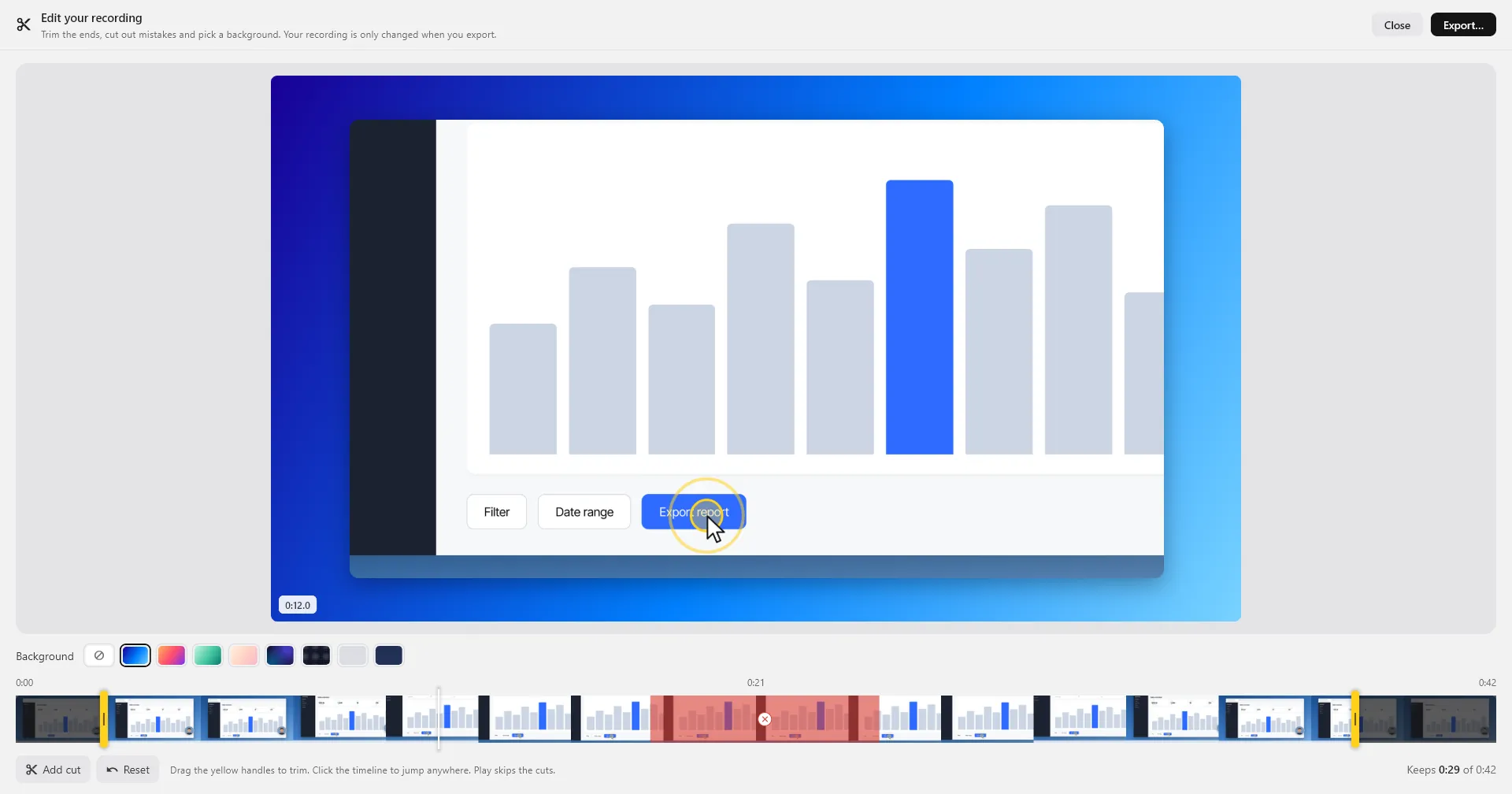
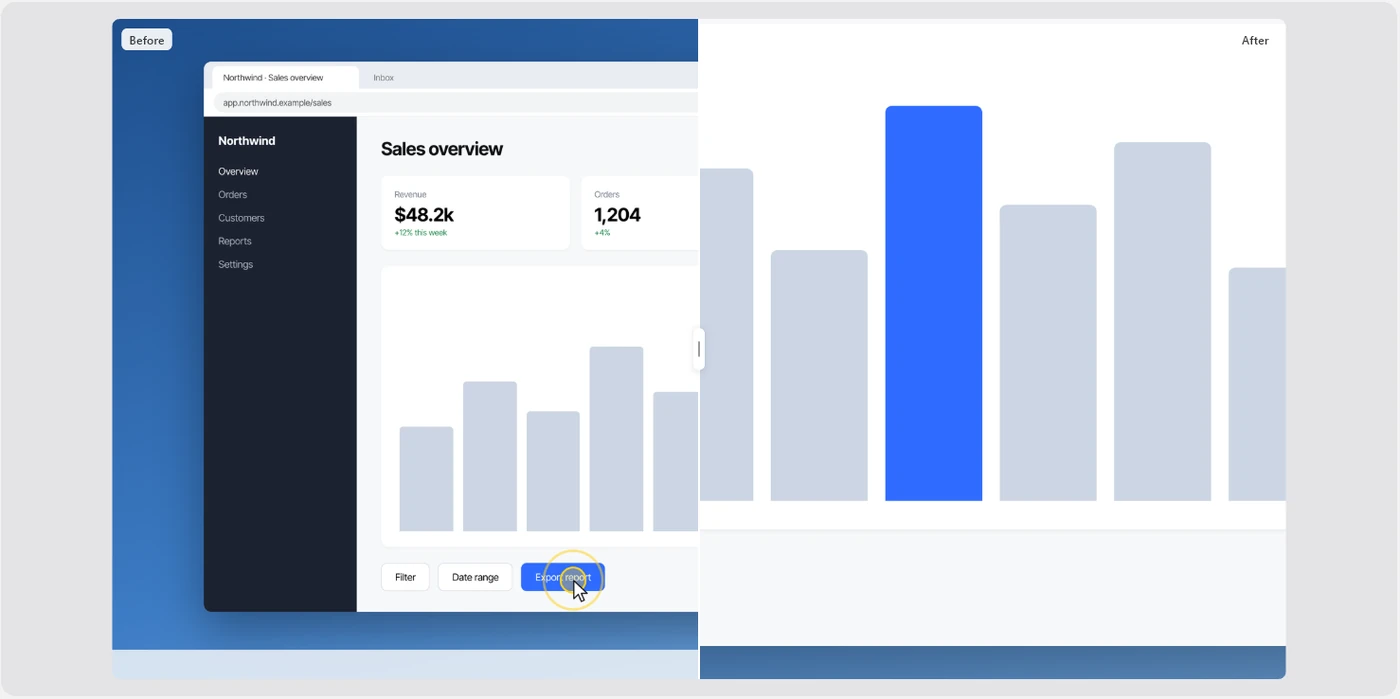
When you stop, the video zooms in where you clicked, pans with your cursor, and eases back out. Compare it with the original side by side.
 Screen Recorder
Buy me suya
Screen recorder for Windows, Mac and Linux
Screen Recorder
Buy me suya
Screen recorder for Windows, Mac and Linux
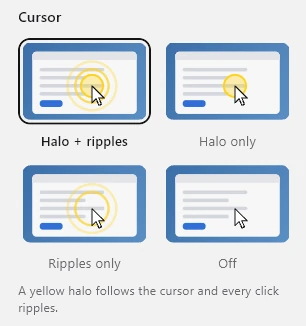
Screen Recorder highlights every click, zooms in where you work, and puts your face in a bubble, so anyone can follow along. Everything stays on your computer.
DownloadScreen Recorder09:41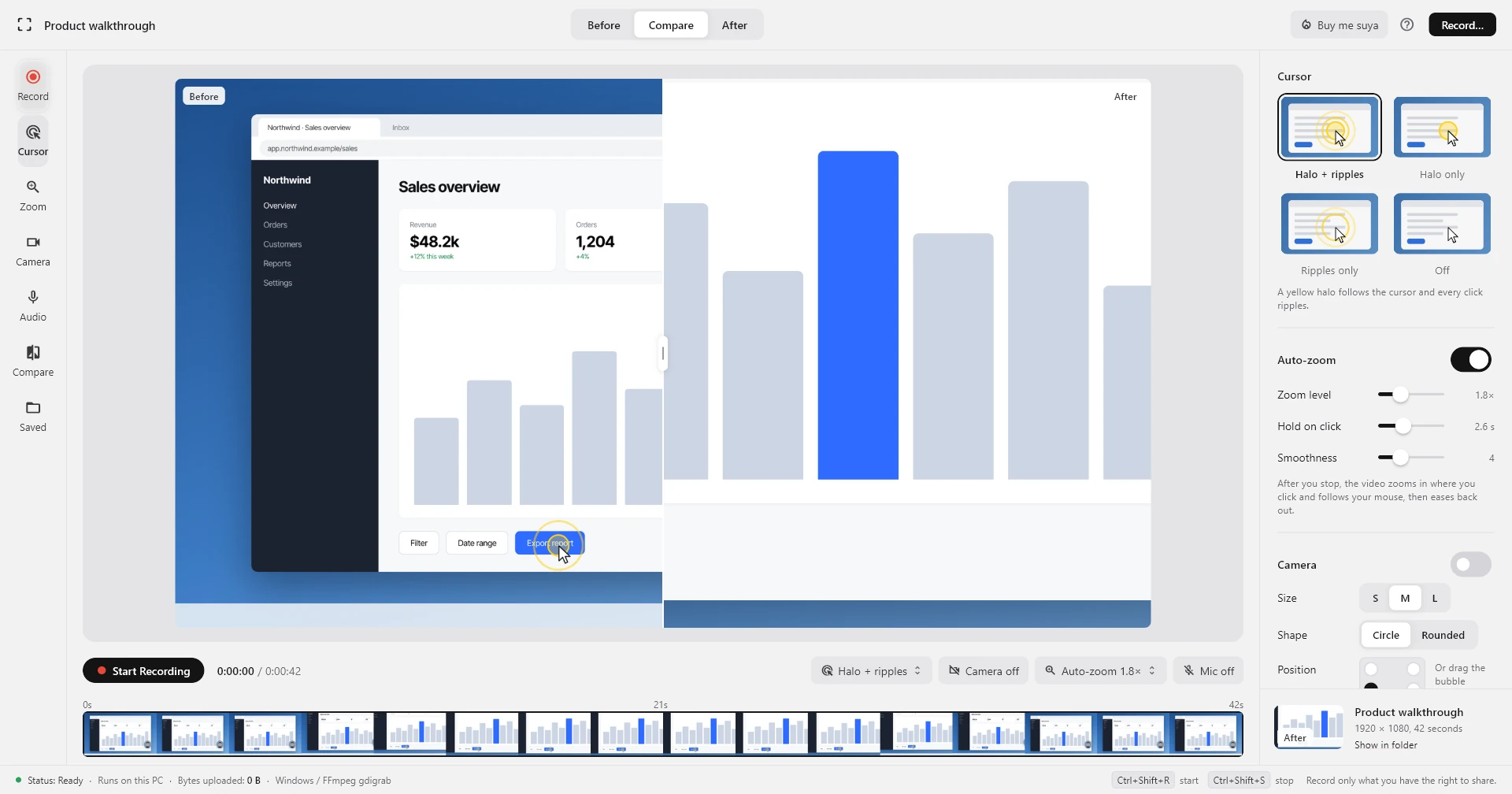
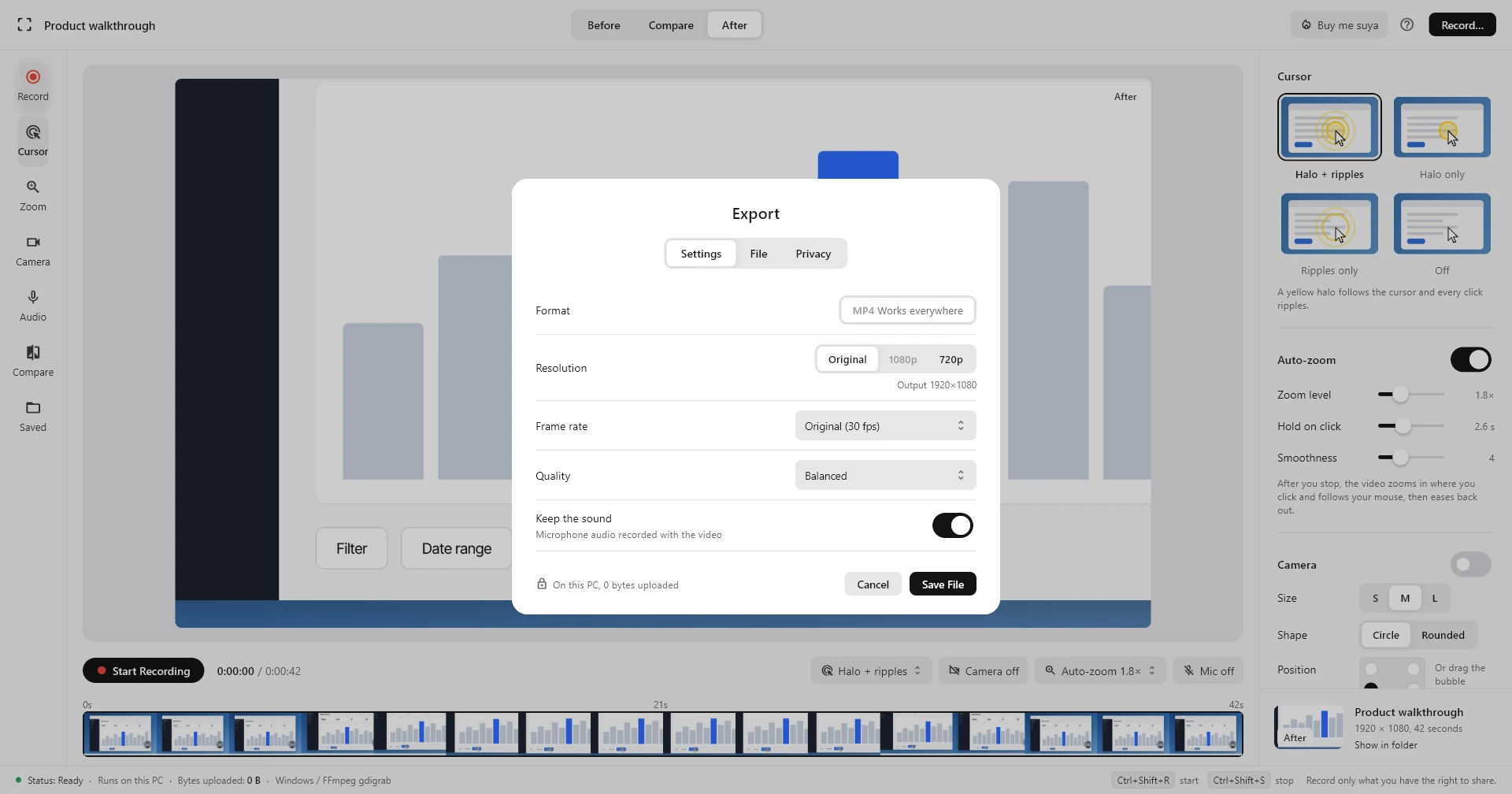
Highlight the cursor, zoom in on clicks, and add your face, then export an MP4 that plays everywhere.
From product demos to bug reports, Screen Recorder makes it obvious what you're clicking and why.
Show each step, with the clicks people need to copy.
Walk customers through a feature with your face on screen.
Record lessons students can pause and follow.
Show exactly what went wrong instead of describing it.
Answer questions with a quick, personal video.
Help family with their PC, or save a moment from your screen.
No subscription, no watermark, no account.
Enter your name and email, and the download starts right away.
Screen RecorderEnjoying the app? Buy me suya to keep it running.
Buy me suyaEverything you need to know before you start recording.
Yes. There are no paid features, watermarks or time limits. If it helps you, you can buy me suya to keep it going.
That's normal for new apps that aren't code-signed yet. Click More info, then Run anyway.
The app isn't notarized by Apple yet. Open it once and click Done, then go to System Settings → Privacy & Security, scroll down and click Open Anyway. The first time you record, allow Screen Recording there too, then reopen the app.
No. Recording, auto-zoom and saving all happen on your computer. We only receive the name and email you enter on this page.
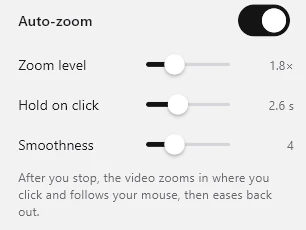
While you record, the app notes where your mouse is and where you click. When you stop, it zooms in around your clicks and follows the cursor. You can change how close, how long and how smooth, or turn it off.
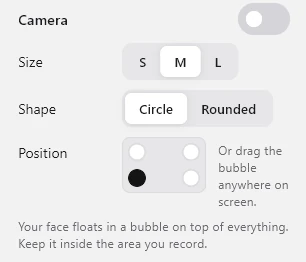
Yes. Drag the bubble anywhere on screen, or snap it to a corner from the Camera settings. It's recorded wherever you leave it.
Yes. Turn on Mic before you start. You can keep or remove the sound when you export.
Windows 10 (version 1809 or newer) or Windows 11; macOS 10.15 or newer on Apple Silicon or Intel; or 64-bit Linux (the .deb is for Ubuntu 24.04+ and Debian 13+). A webcam and microphone are optional.
Yes. Pick Mac or Linux in the download window. Everything works on both: the cursor halo and click ripples, auto-zoom, the face camera, backgrounds and the editor. On Linux, the live effects and auto-zoom need an X11 session (Wayland only records).